Finos brand
Logos, colors and basic rules for talking about Finos.
Download full kit (.zip)SVG and PNG of all 8 files, plus a README with colors and rules.
What Finos is
In one line
Finos sorts and categorizes the transactions in your PDF bank statements, reconciled against the bank balance.
In one paragraph
Finos turns PDF bank statements from any bank into transactions that are sorted, categorized and reconciled against the balance the bank itself declares, with deep coverage of Mexico and Latin America.
How to write it
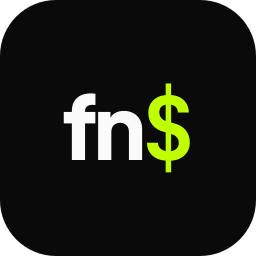
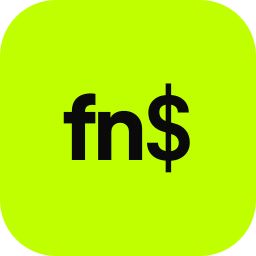
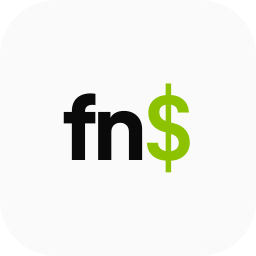
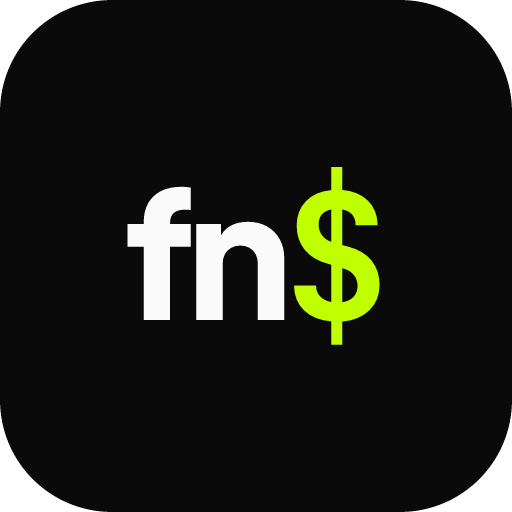
The logo is finO$: lowercase f, i and n, capital O and the $ in JetBrains Mono. That form is only for the visual logo.
In text, always write Finos.
Never: FINOS, finos (lowercase) or finO$ in running text.
Logos
Each file on the background it was made for. SVG to print or scale, PNG with a transparent background for everything else.







Colors
Tap a color to copy its HEX. Lime is an accent: a little, in the right place.
Typography
All three are free on Google Fonts.
- Google Fonts
Plus Jakarta Sans
Headings, 600 · 700 · 800
- Google Fonts
DM Sans
Body, 400 · 500 · 600
- Google Fonts
JetBrains Mono
The $, numbers and code, 400 · 500 · 700
Basic rules
- Keep clear space around the logo equal to the height of the O.
- Minimum size: 20 px tall.
- Light logo on dark backgrounds, dark logo on light backgrounds.
- Do not recolor it or mix variants.
- Do not stretch, rotate or change the letter spacing.
- No shadows, outlines, gradients or other effects.
- Do not use lime as a section background: it is an accent only.
Press contact
Interviews, stories, partnerships or a logo in another format: get in touch.
or email hola@getfinos.com